Tutorial: set the vibe - music and live TV
An HQ needs an atmosphere. The Focus Music player and the TV pane live on the canvas like everything else - start a session with one sentence and keep building.
1. Start the music
Section titled “1. Start the music”Say “start focus music” or click the note icon:
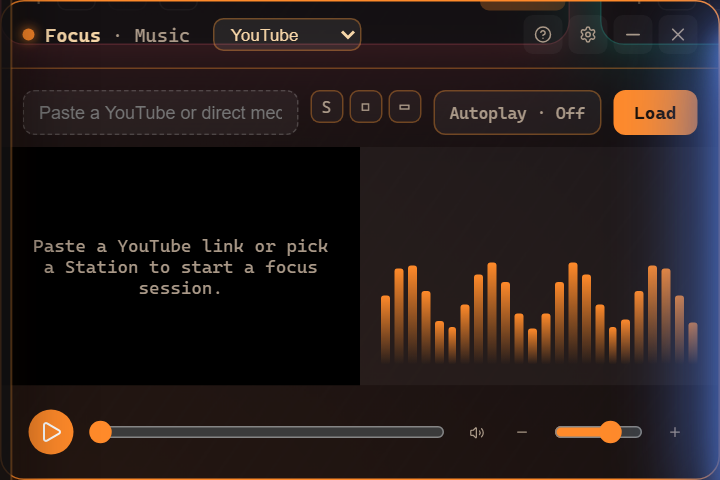
Paste a YouTube link, pick a Station, or open the Spotify tab (connect once, then full tracks, search, and your playlists). The visualizer dances to what’s playing; Autoplay keeps a station rolling.
2. Tune the TV
Section titled “2. Tune the TV”Say “open the tv” for live channels:
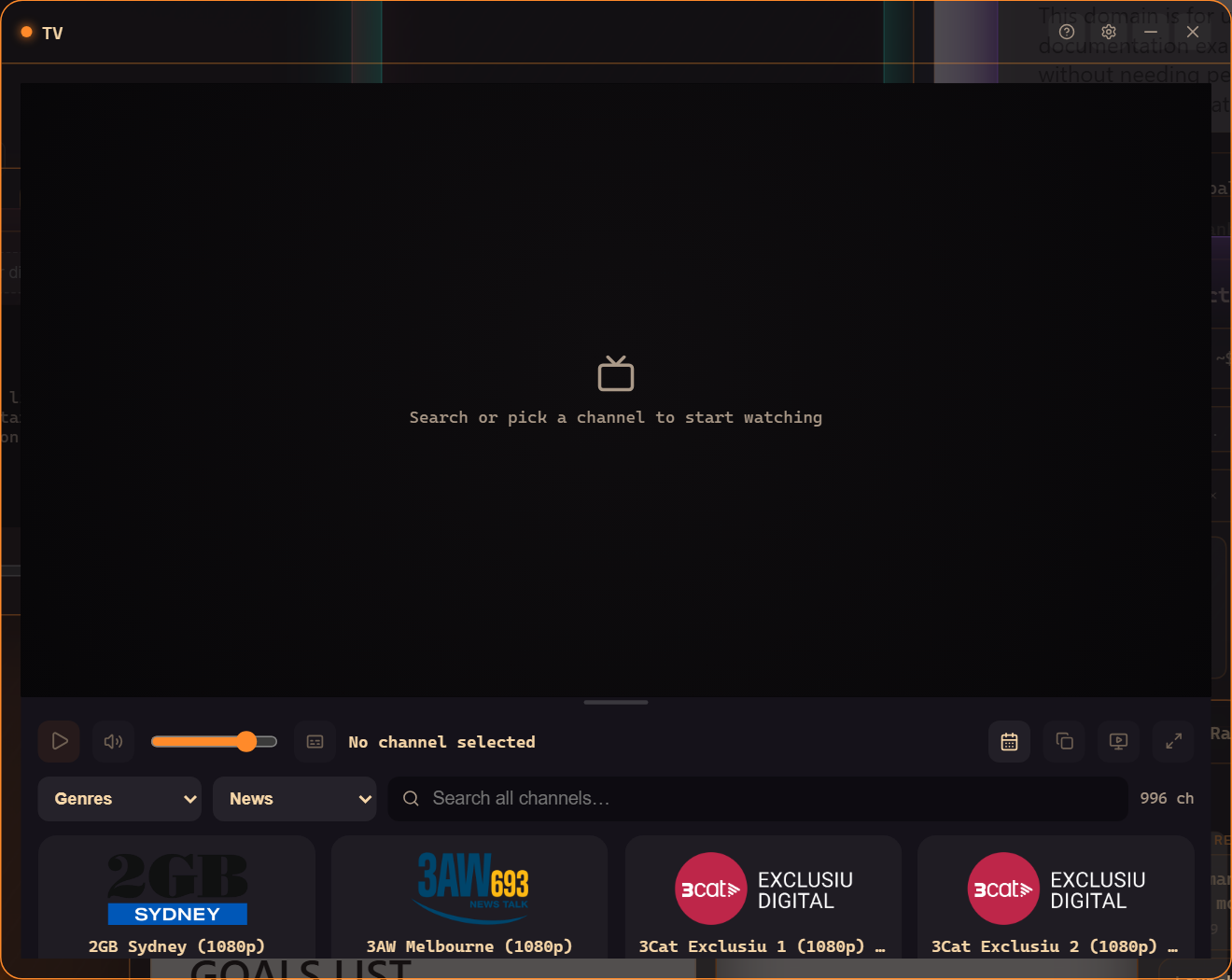
Filter by genre or country, search across hundreds of channels, and check the built-in guide (EPG) for what’s on. News in a corner while you ship is a classic HQ layout.
3. Make it ambient
Section titled “3. Make it ambient”- Park the TV small in a corner - it keeps playing while you work.
- TV as wallpaper puts a muted channel behind your whole canvas.
- Voice controls work mid-session: “pause the music”, “next channel”, “volume down”.
4. It’s part of the workspace
Section titled “4. It’s part of the workspace”Music and TV panes save with your workspace and layouts like any other window - your “deep work” recipe can literally include the soundtrack.
Where to go next
Section titled “Where to go next”- The Music pane - sources, stations, autoplay, visualizer.
- Connect Spotify - the one-time setup.
- The TV pane and TV as wallpaper.
Frequently asked questions
Does Spotify play full tracks?
Yes - connect your Spotify account in the Music pane's Spotify tab and the native player plays full tracks, with search and your playlists.
Can the TV keep playing while I work?
Yes - park the TV pane anywhere on the canvas, or use TV-as-wallpaper to put a channel behind your whole workspace.