Tutorial: build something with an agent
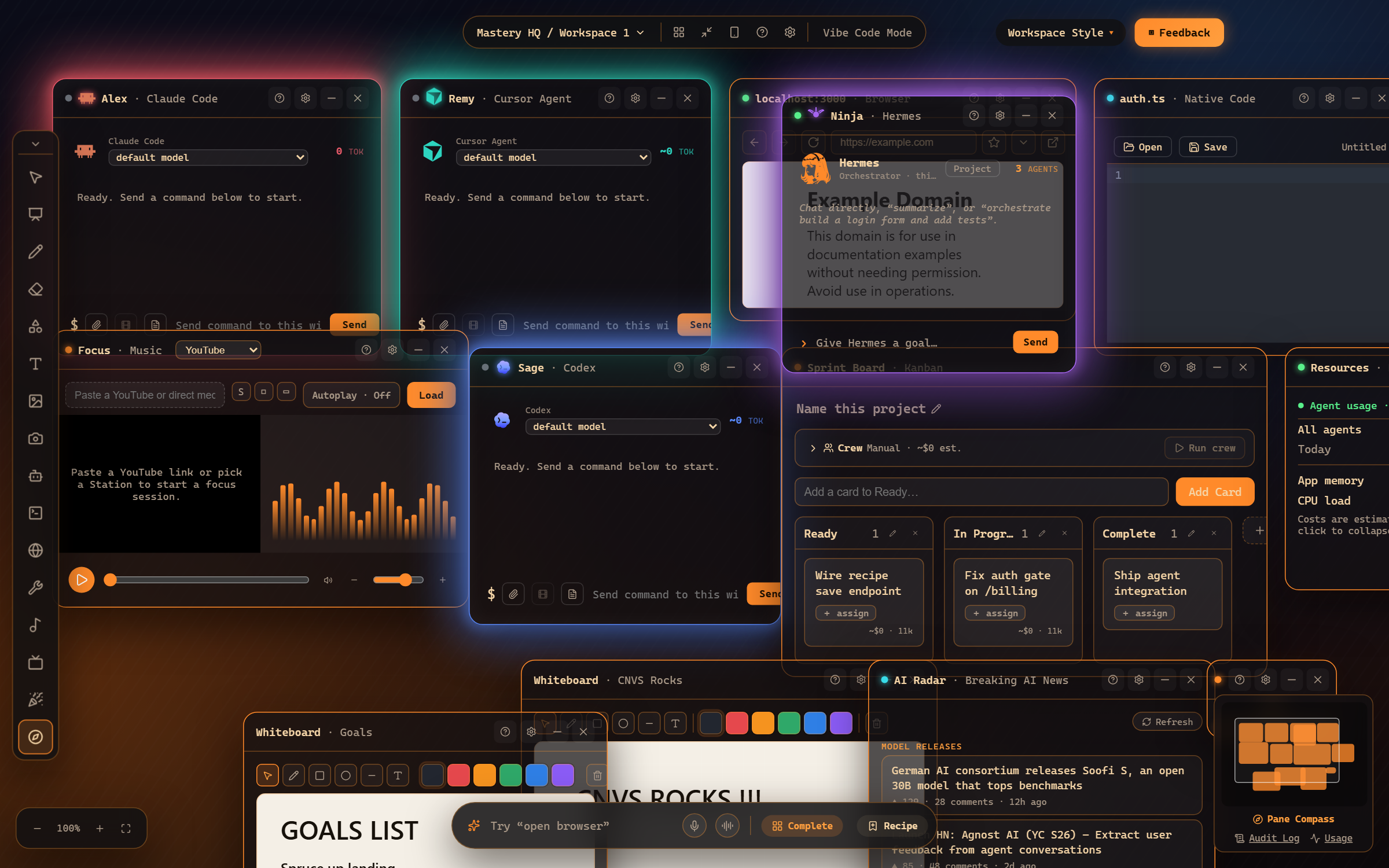
This is the core Mastery HQ move: open an agent window, hand it a task in plain language, and watch it build. Here’s your HQ - agents, browser, code, a sprint board, music - all on one canvas:
1. Open an agent window
Section titled “1. Open an agent window”Click the robot icon in the left toolbar (or just type “open claude” in the command bar). A window appears with the agent’s name in the title - Mastery HQ names them for you (Alex, Bo, Cy…), so you can address them like teammates.
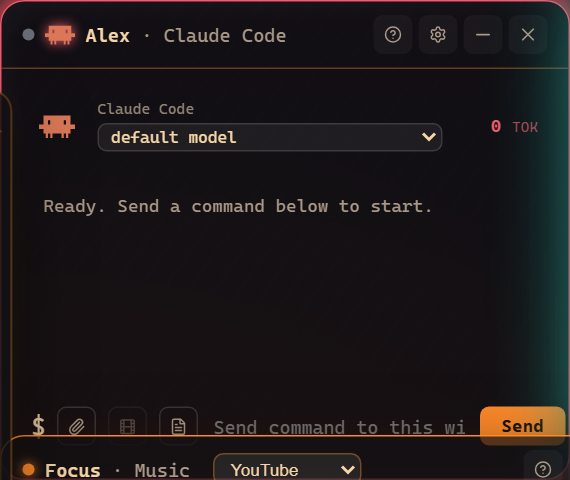
Every agent window has the same anatomy: a model picker at the top, the conversation in the middle, and a command box at the bottom with attach, memory, and notes buttons beside it.
2. Give it a real task
Section titled “2. Give it a real task”Type straight into the window’s command box and press Send:
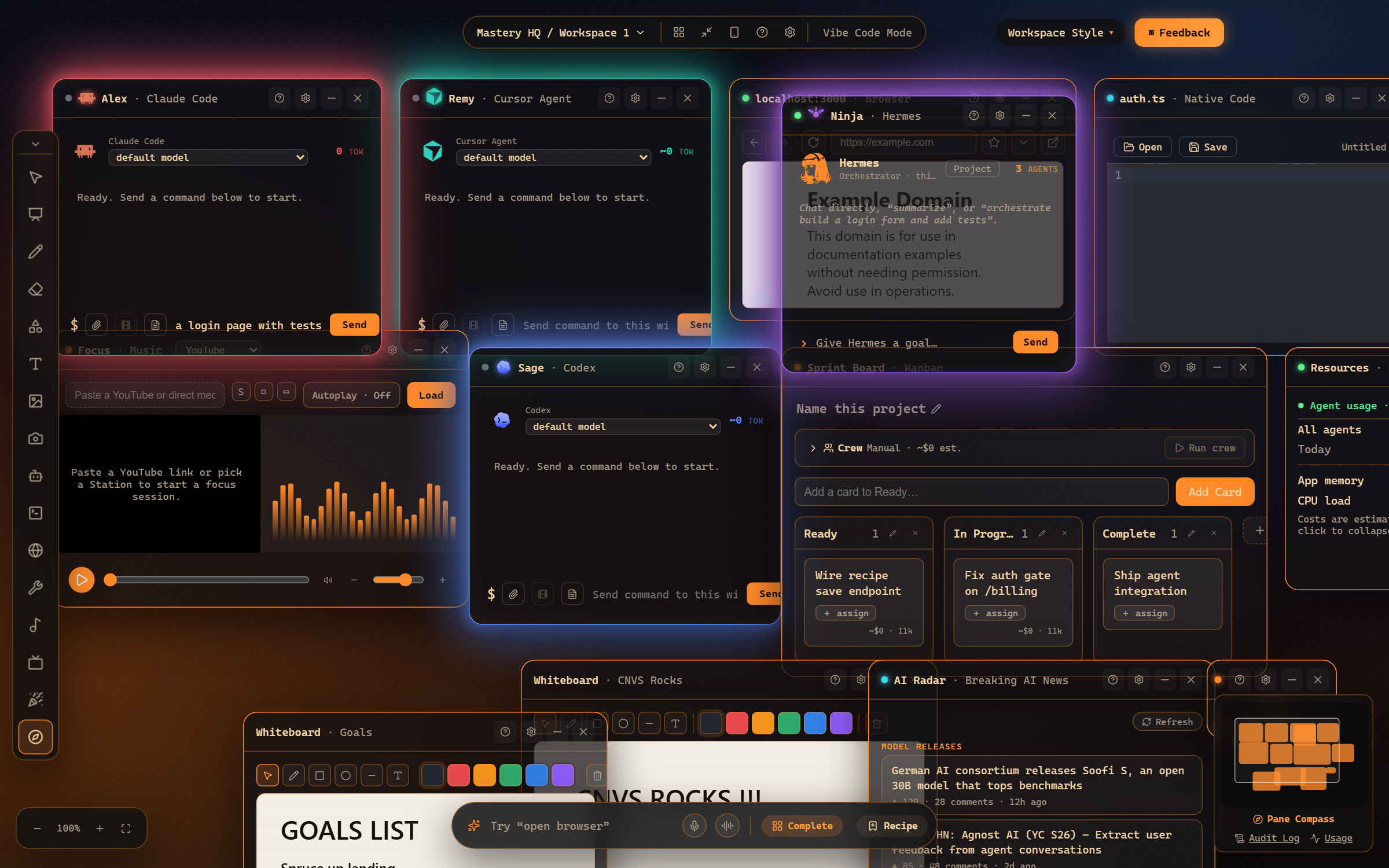
The agent runs the actual CLI on your machine - real files, real commits, real output streaming into the window. Chips under the transcript show what it’s doing (tools, context, safety mode).
3. Or command it from anywhere
Section titled “3. Or command it from anywhere”You don’t have to click into a window first. The bottom command bar routes by name from anywhere in your HQ:
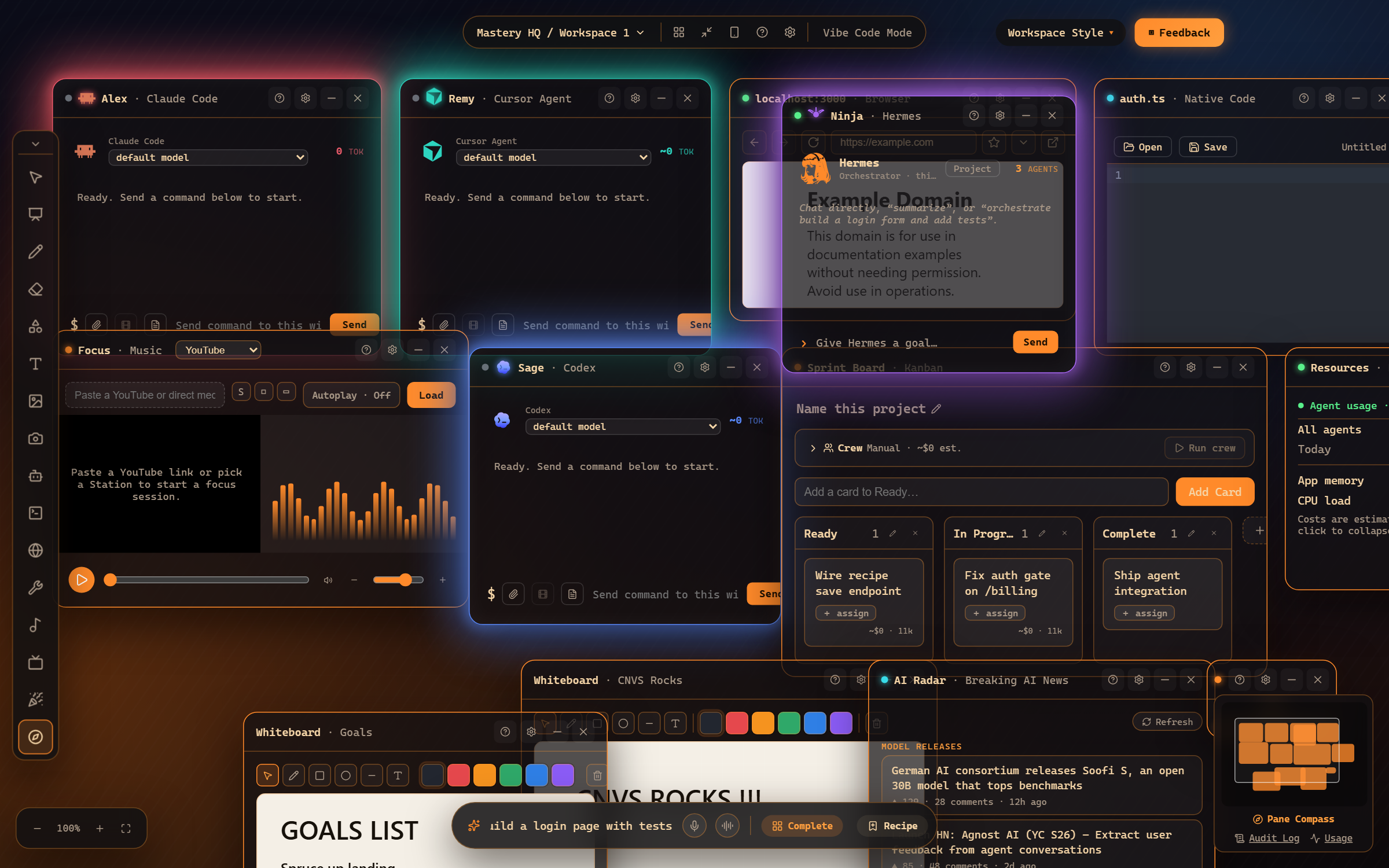
Say or type “tell Dax to build a login page with tests” - the command lands in Dax’s window and he gets to work. Everything you can type, you can also dictate with the mic button.
4. Watch, steer, repeat
Section titled “4. Watch, steer, repeat”While an agent works you can keep talking to it (“also add a forgot-password link”), stop it, or open a second agent for the next task. The Resources pane tracks usage per agent; the Audit Log records every action.
Where to go next
Section titled “Where to go next”- Your first agent - the five-minute version with voice.
- Agent windows in depth - chips, modes, attachments, memory.
- Route commands to agents - naming, “who’s working”, status reports.
Frequently asked questions
Do I need API keys to run an agent?
No - agent windows drive the CLIs you're already signed into (Claude Code, Codex, Cursor, Gemini, and more). If a CLI isn't installed, Settings → Agents has a one-click Install button.
Can I run several agents at once?
Yes - every agent window is independent. Many users run three or four in parallel and glance between them.