Tutorial: command your HQ by typing or talking
The command bar at the bottom of your HQ is one input that does everything: open panes, route tasks to agents, change themes, start music, run loops. Everything typed works spoken too.
1. Try your first command
Section titled “1. Try your first command”Click the bar (or press its hotkey) and type “open browser” - a Browser pane appears. The placeholder rotates through suggestions (“Try ‘new codex agent’”, “Try ‘tidy windows’”) when you’re out of ideas.
2. See everything it can do
Section titled “2. See everything it can do”Type “open the commands list”:
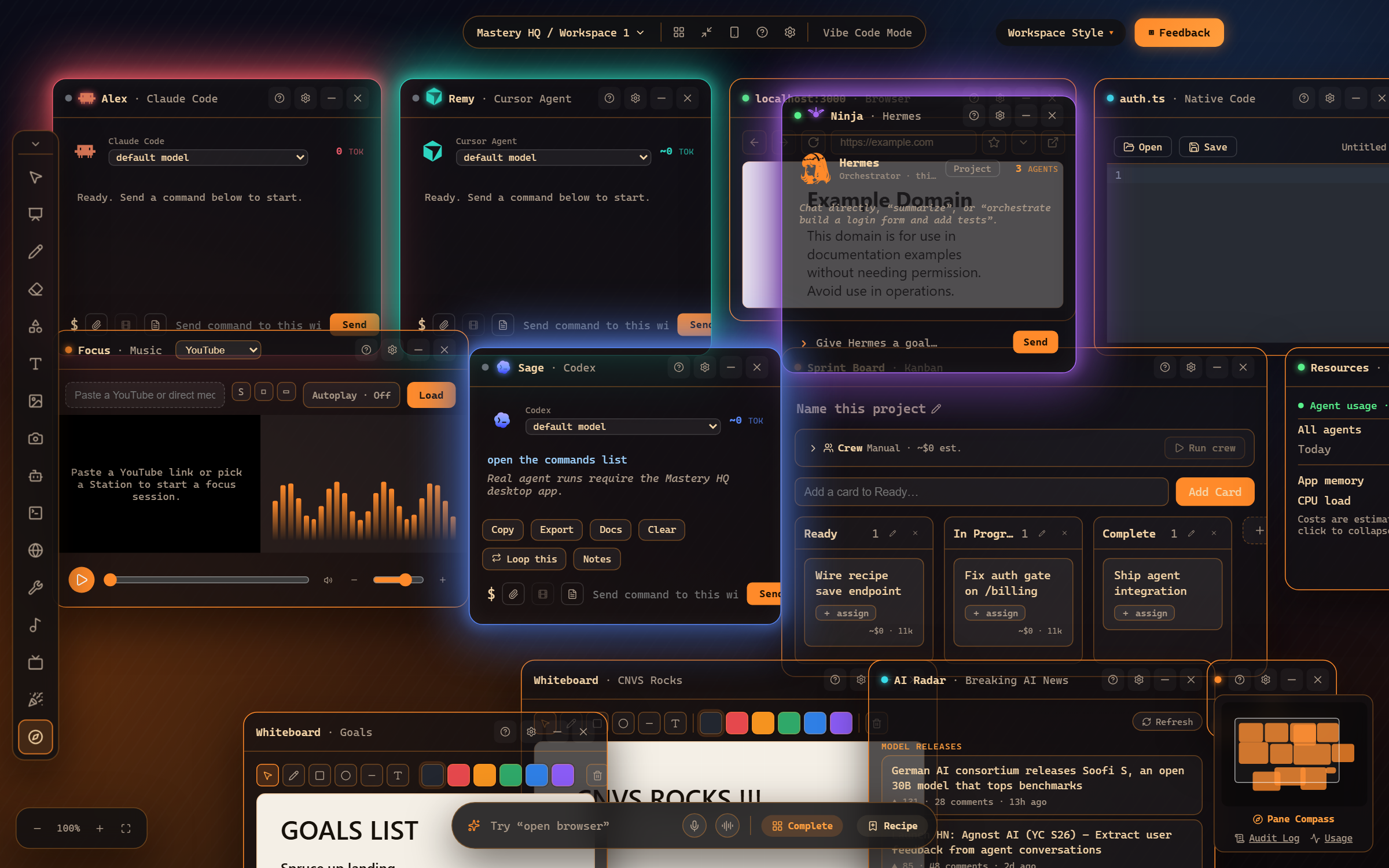
That pane is the full vocabulary - window control, agents, kanban, media, music, streaming - each with a say-this example. It’s the fastest way to discover features.
3. Route work to agents by name
Section titled “3. Route work to agents by name”The bar routes to agents like teammates:
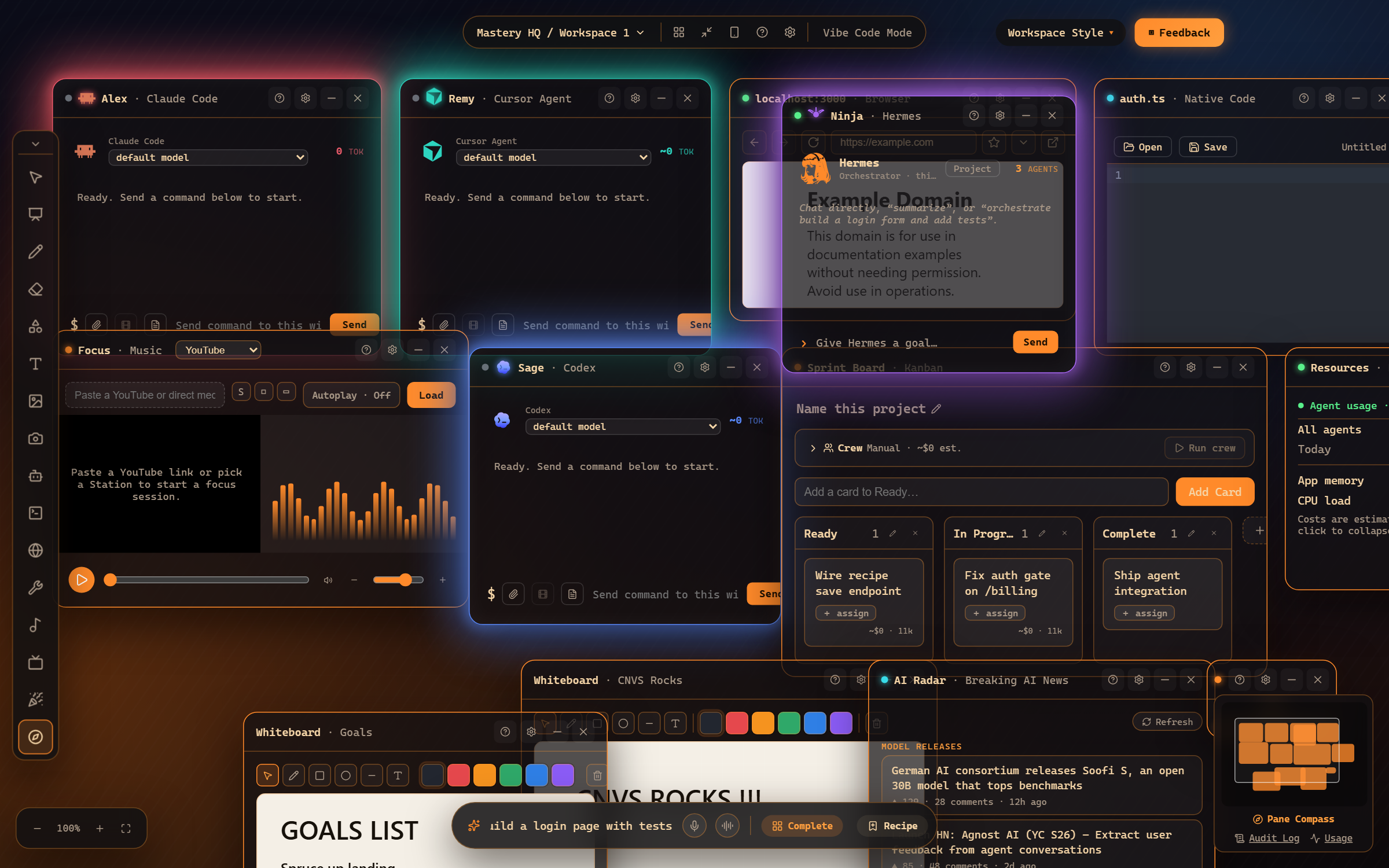
- “tell Remy to fix the auth bug” - sends the task to Remy’s window.
- “who’s working?” - a spoken/typed status across all agents.
- “stop all agents” - the big red button, as a sentence.
4. Go hands-free
Section titled “4. Go hands-free”Click the mic for one command, or the waveform button for Dictation mode (it stays listening). Mastery HQ talks back with real voices - ask “what’s the status?” while you’re across the room.
Where to go next
Section titled “Where to go next”- Command bar basics - hotkeys, history, completion.
- Voice commands reference - the printable phrase list.
- Dictation engines - offline vs cloud speech-to-text.
Frequently asked questions
Do voice commands need an internet connection?
Dictation can run fully offline with the local Parakeet engine (Settings → Voice), or use your configured cloud engine - your choice.
What if I don't remember the exact phrase?
Phrases are forgiving - "open a browser", "new browser", and "open the browser" all work. And "open the commands list" shows every phrase with examples.