Tutorial: loop an agent until the work is great
One prompt rarely gives you the best an agent can do. A Loop makes the agent its own critic: work, score, improve, repeat - until the result clears the bar you set.
1. Start a loop in one sentence
Section titled “1. Start a loop in one sentence”In the command bar, type a goal with a bar:
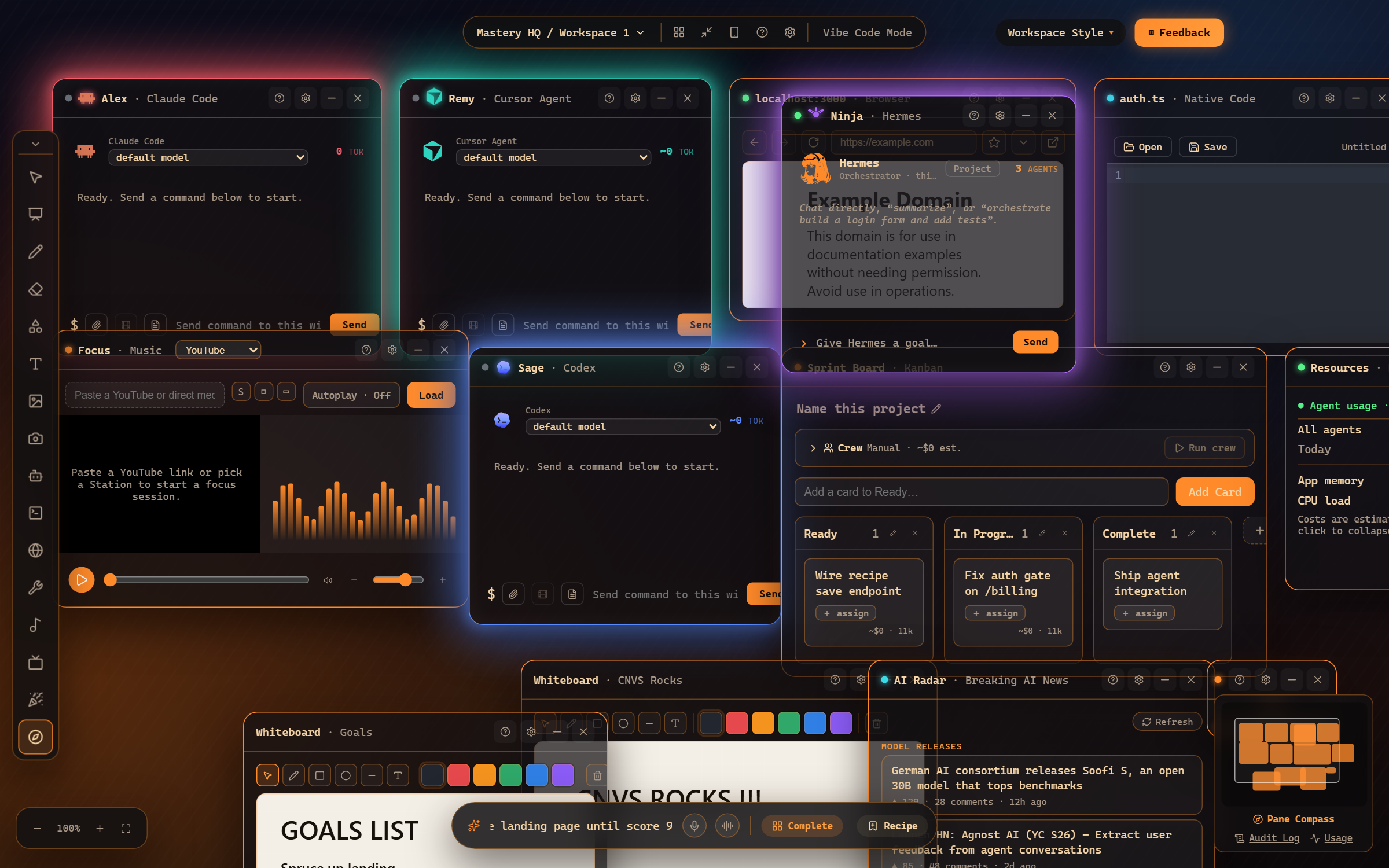
“loop: polish the landing page until score 9” - that’s a goal (“polish the landing page”), a bar (9/10), and Mastery HQ picks the top agent window to run it in.
2. Watch the passes
Section titled “2. Watch the passes”Open the Loop pane (Tools menu) to watch it think:
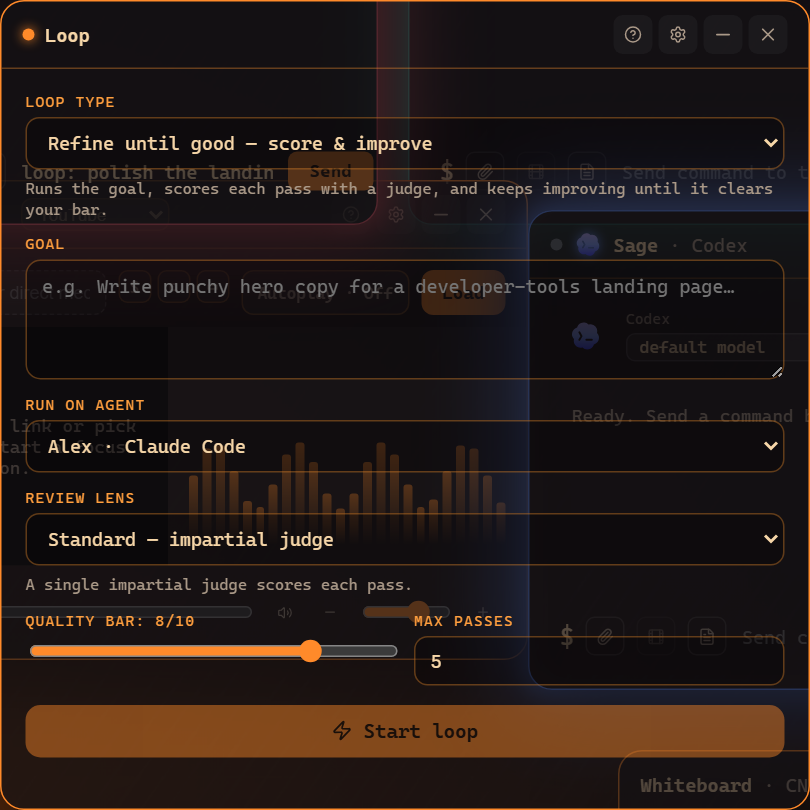
Each pass shows the work, the critique, and the score. You’ll see scores climb - 6, then 8, then the bar clears and the loop ends with its best version.
3. Tune the pressure
Section titled “3. Tune the pressure”- Raise the bar: “…until score 9.5” for high-stakes work.
- Change the critic: add roast (“…until score 9 roast”) for a merciless reviewer, or karpathy for engineering taste.
- Cap the passes: loops stop at their pass limit even if the bar isn’t met, so they never run away.
4. When to reach for a loop
Section titled “4. When to reach for a loop”Anything with a quality gradient: landing-page copy, refactors, test coverage, a README, pitch decks. If you’d naturally say “make it better” three times, a loop says it for you.
Where to go next
Section titled “Where to go next”- Loops: refine until good - scoring, lenses, and limits in depth.
- The Loop pane - reading passes, stopping, history.
Frequently asked questions
How does the loop know when to stop?
Each pass is scored against your bar (e.g. 9/10). The loop ends when the score clears the bar or the pass limit is hit - whichever comes first.
Can I make the critique harsher?
Yes - add a lens like "roast" for a brutal critic or "karpathy" for an engineering-taste review to the loop phrase.