Tutorial: ship agent work to GitHub
Agent output only matters when it lands in your repo. Mastery HQ wires agents to GitHub the safe way: scoped access, isolated worktrees, and pull requests instead of surprise pushes.
1. Connect once
Section titled “1. Connect once”Open Settings → Integrations:
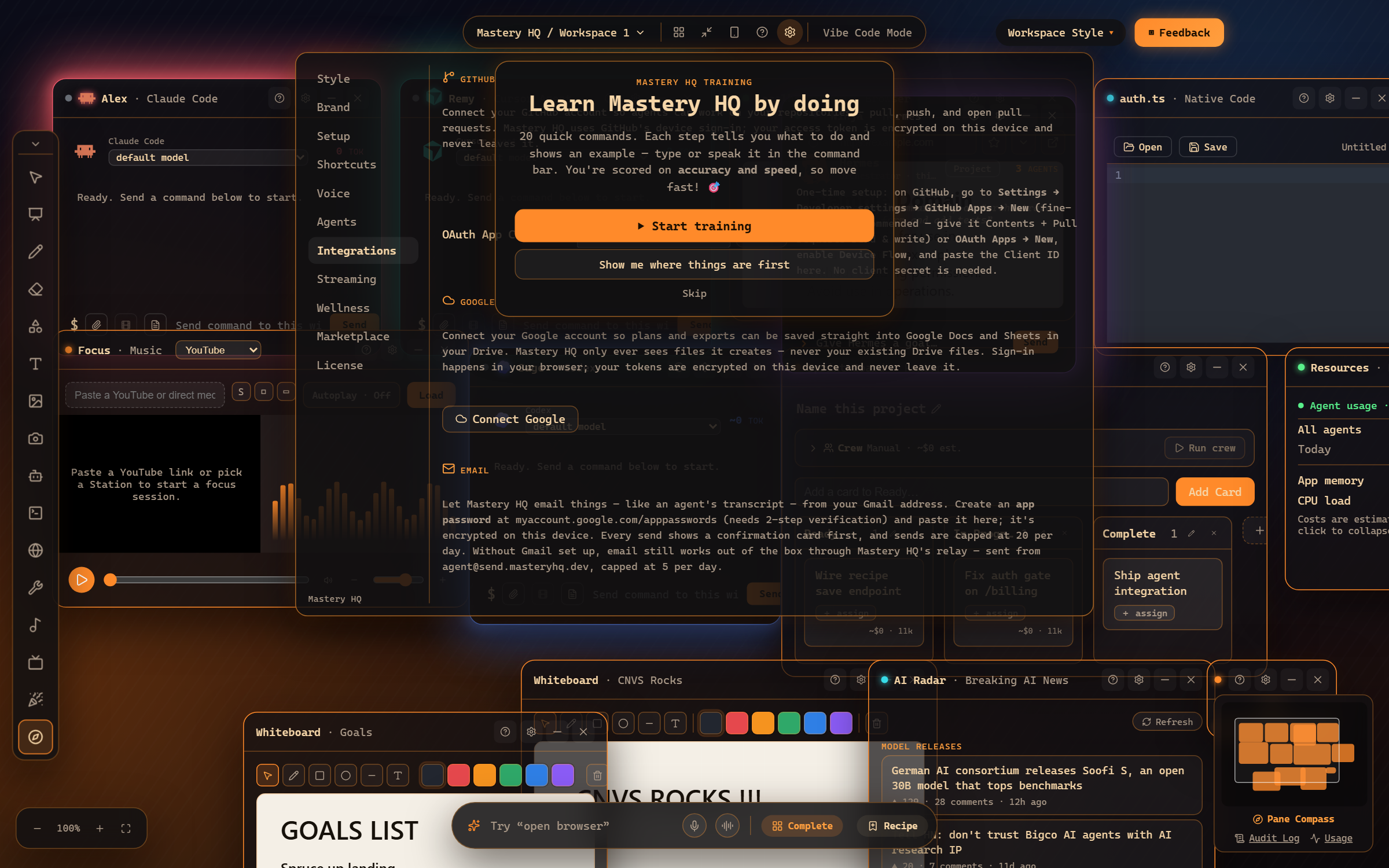
Click connect and approve the device code in your browser. It’s a fine-grained GitHub App - you choose exactly which repos it can touch (add more later at github.com/settings/installations).
2. Give an agent a repo
Section titled “2. Give an agent a repo”Assign a repository to an agent (“assign the api repo to Alex” works from the command bar). The agent gets its own worktree - a private checkout on a mastery/* branch - so parallel agents never trample each other or your working copy.
3. Work, then ship
Section titled “3. Work, then ship”Task the agent as usual. When the work is good:
- “commit and push Alex’s work” - a real commit on the agent’s branch.
- “open a pull request for Alex” - a PR appears on GitHub, ready for review.
Kanban cards, loops, and crew runs all ride the same rails - a finished card can become a PR without you touching git.
4. Review like always
Section titled “4. Review like always”The PR is a normal PR: CI runs, you review, you merge. Mastery HQ’s job ends where your team’s process begins.
Where to go next
Section titled “Where to go next”- The GitHub integration - connection, scopes, worktrees, troubleshooting.
- Kanban dispatch - cards that end as PRs.
Frequently asked questions
Is the GitHub connection safe?
It's GitHub's own device flow with a fine-grained GitHub App - you pick exactly which repositories it can see, and you can revoke it at github.com/settings/installations any time.
Do agents push straight to main?
No - agent work happens in isolated worktrees on mastery/* branches, and reaches the repo as pull requests you review.